


A PDF that needs to be linked in an Article might already be uploaded to the trusty ol' Document Manager. If so, here's a simple solution for you.
To link to PDFs already uploaded to the Document Manager:
1. Find the hidden documents page for your site. Probably yourdomain.com/documents
2. Once at the hidden documents page, find and click to open the respective file.
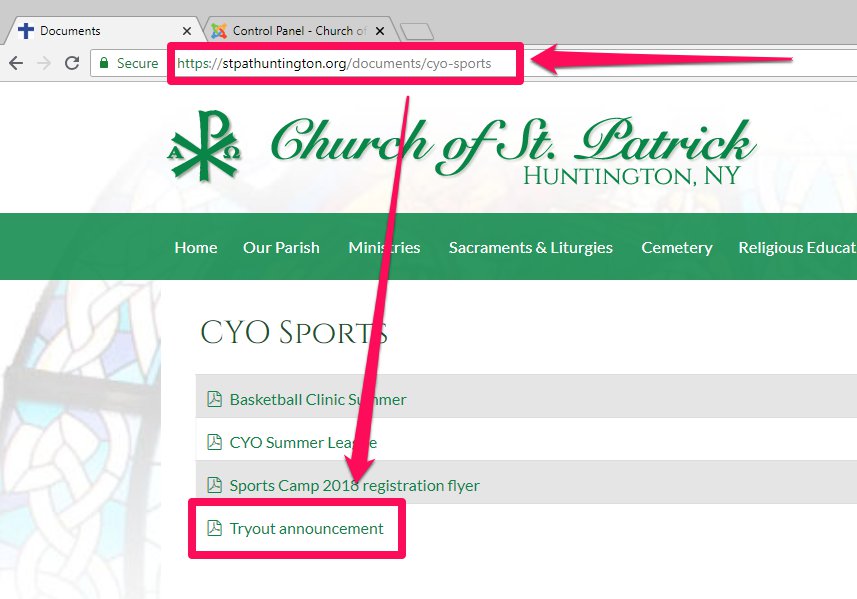
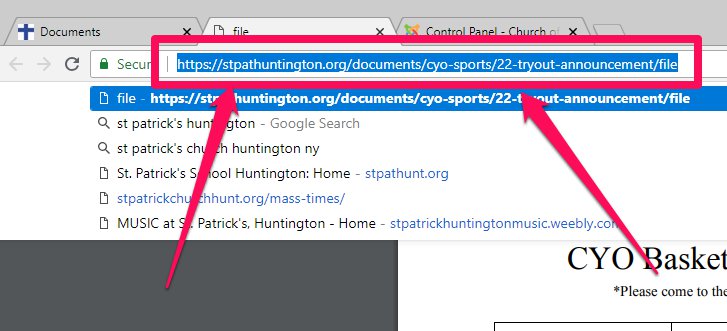
3. Once the file is open, highlight and copy its URL/hyperlink:
4. Create a hyperlink to the file from within the article.
Click Here for Linking Text Instruction
5. Save & Close the article.