If you have a Document (PDF) linked on the site that needs changing, you can update it in the Document rather than adding a new Document and replacing the link.
1. Go to the Document Manager: 
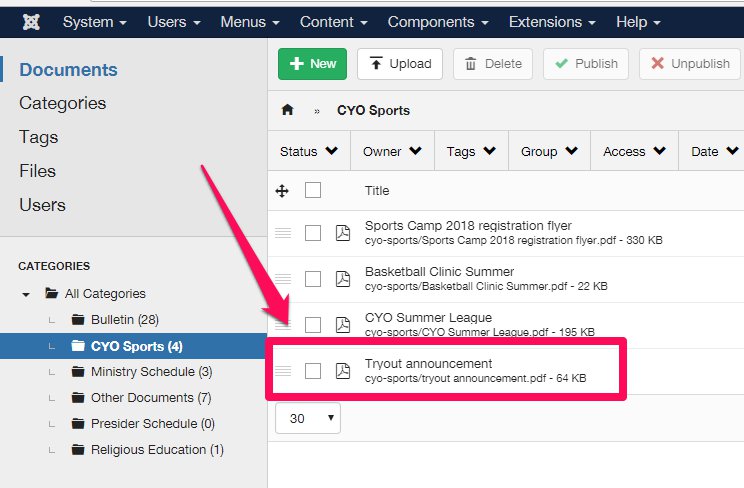
2. Find and click the Document that needs to be updated:
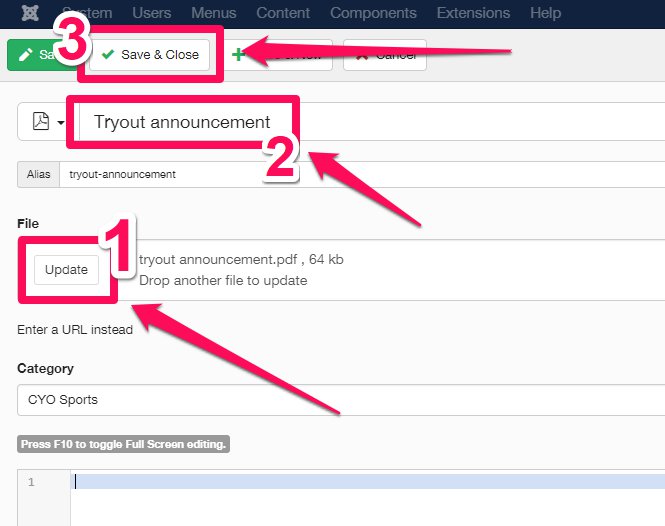
3. Click 'Update' and upload the new file.
4. Edit Document title if needed.
4. Click 'Save & Close'.