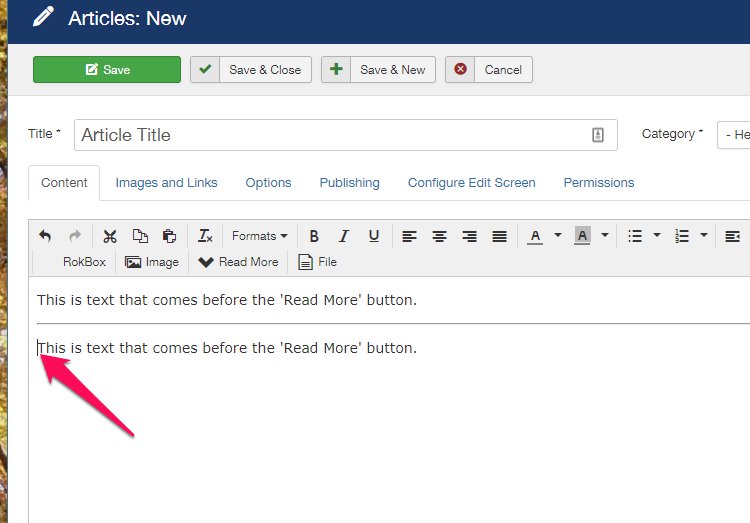
Sometimes there is a lot of information in one Article. Adding a 'Read More' button can add to the aesthetics of the webpage.
Note: the system allows only one 'Read More' button per Article.
1. Create a new Article or click to edit an existing Article.
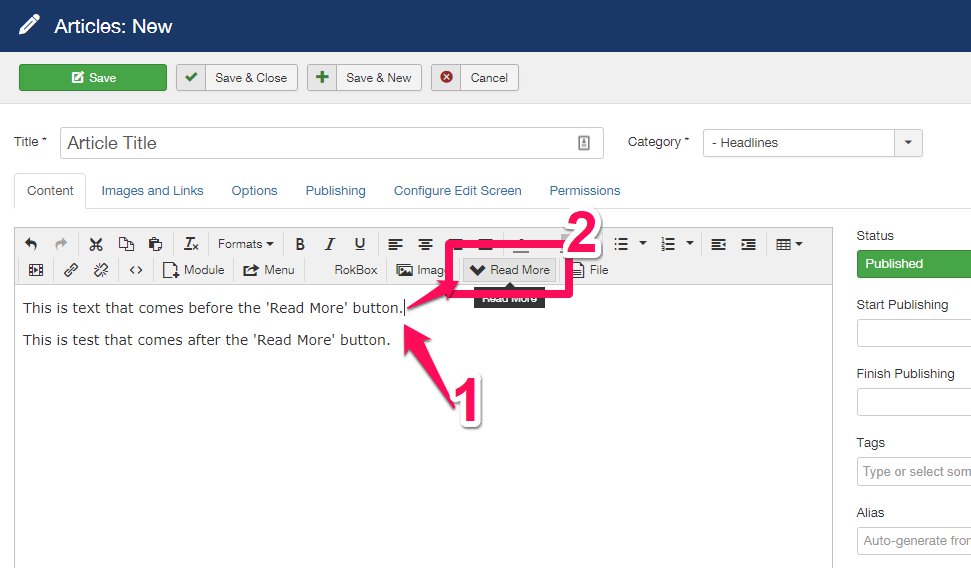
2. Place the Cursor where the 'Read More' button should appear.
3. Click 'Read More' in the Article Toolbar.
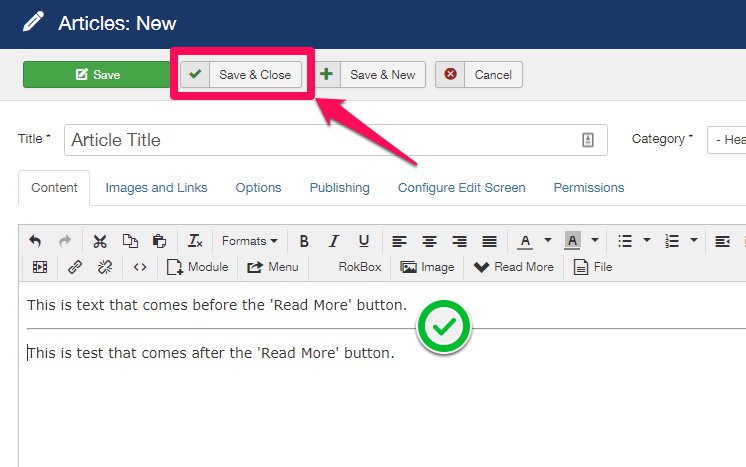
4. A line has been added, marking the location where the 'Read More' button will appear. Click 'Save & Close':
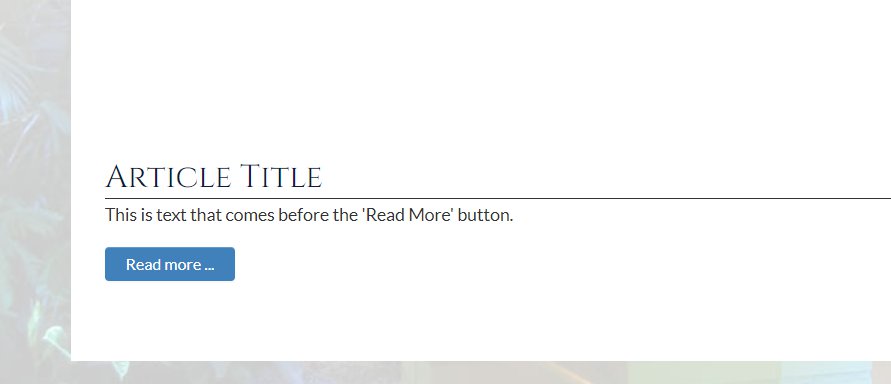
5. Refresh the web page to check your work:
To delete the 'Read More' button:
1. Place the Cursor after the 'Read More' line and before the text in the Article.
2. Hit 'Backspace' on your keyboard.
3. Click 'Save & Close' or place the 'Read More' elsewhere before clicking 'Save & Close'.