


In the Administrator, there are two ways to remove an article: unpublish and trash.
- Unpublish removes the article from the website, but retains it in the administration side. This gives the ability to re-publish or re-use the article in the future.
- Trash removes the article completely from the administration side.
Option #1 - Unpublish an Article
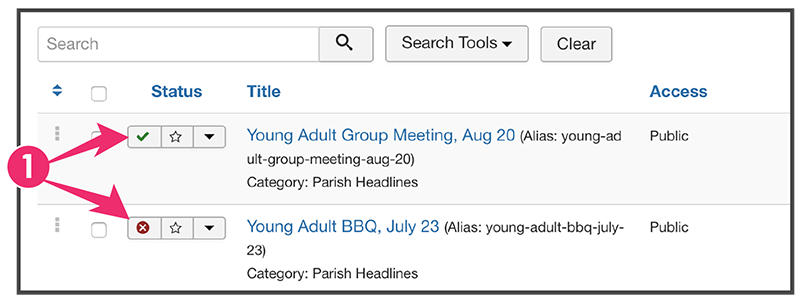
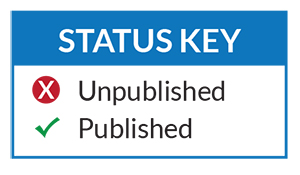
1. Click Status Icon
To toggle the status of an article, click on the icon in the Status column.
Option #2 - Trash an Article
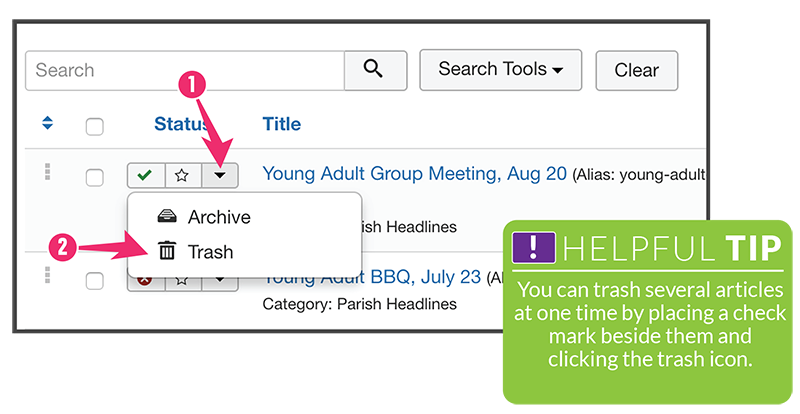
1. Click the  on the the Status bar and a dropdown will appear.
2. Click Trash 