

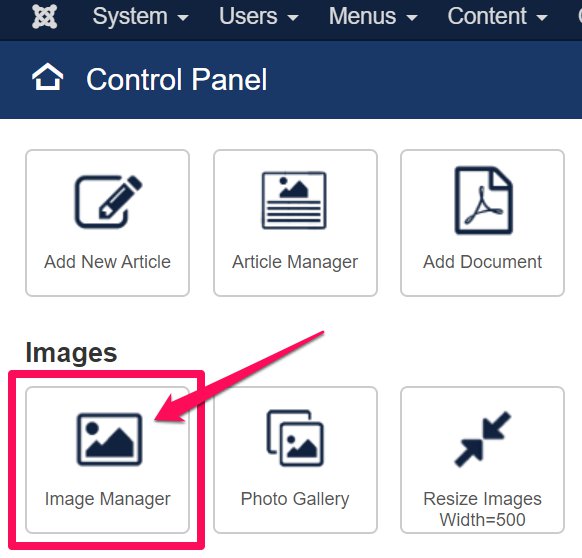
1. In the Control Panel, select 'Image Manager':
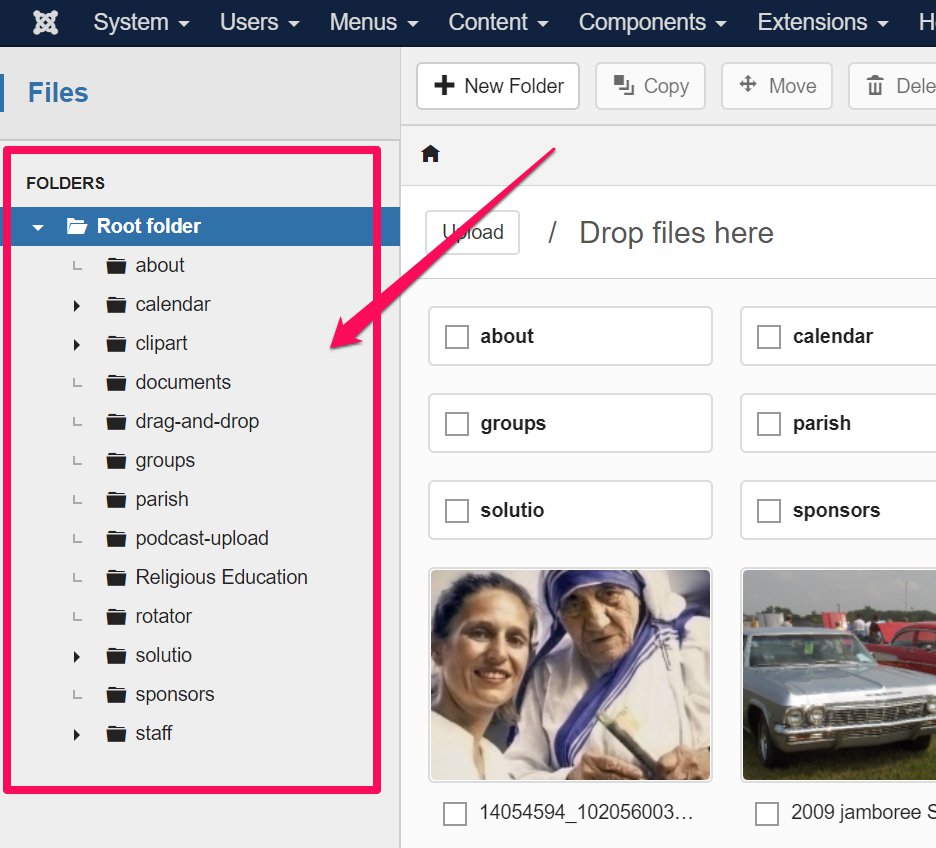
2. Select a folder, or remain in the Root Folder:
3. With the folder chosen, either:
- Click on 'Upload' and select/open images from your computer, or
- Drag and drop your image files into the Image Manager window
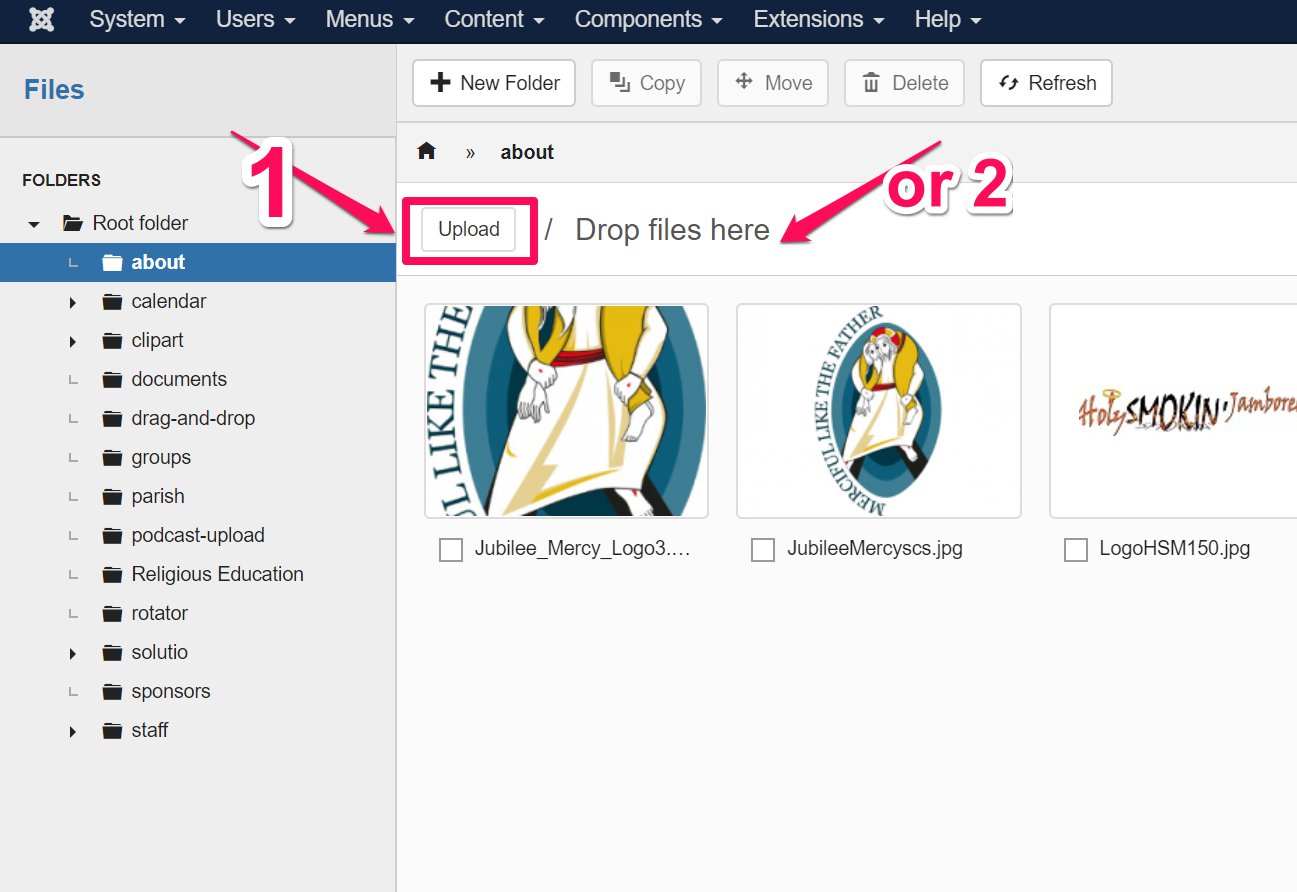
5. Images are uploaded to the Image Manager. If multiple files were uploaded, it may take a few seconds to fully upload.