

You have a free Google Form made for people to submit, and you would like to be notified via email of a day's form activity.
1. Sign into your Google Account attached to your email address. (https://mail.google.com)
2. View the edit version of the form by either:
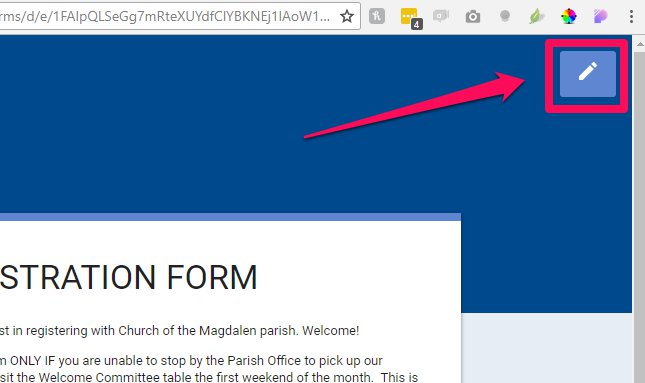
A. Clicking on the pencil icon of the form on your website:
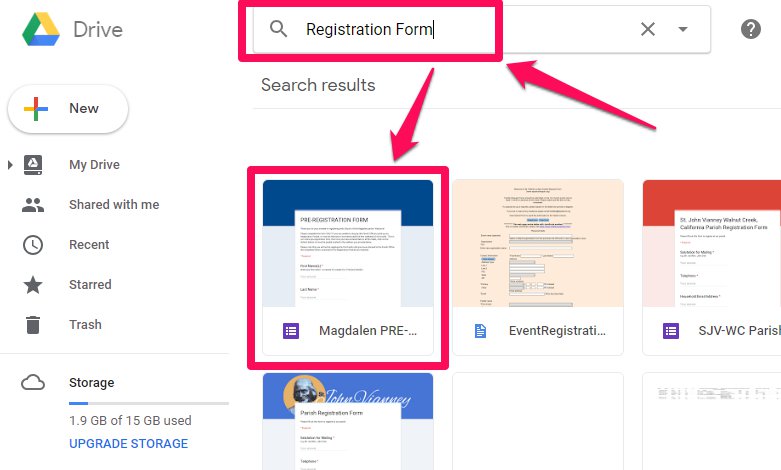
B. Searching in your Google Drive and opening the form:
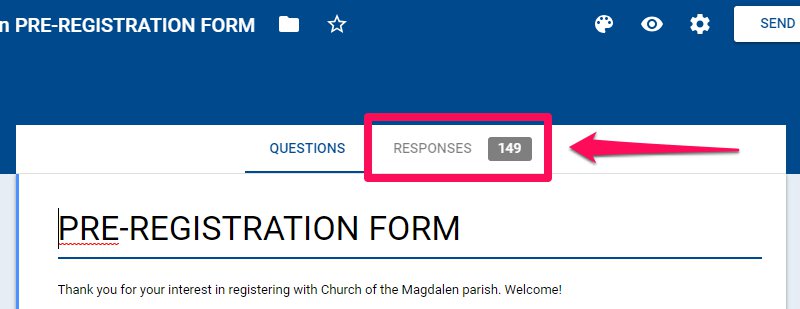
3. Click on "Responses":
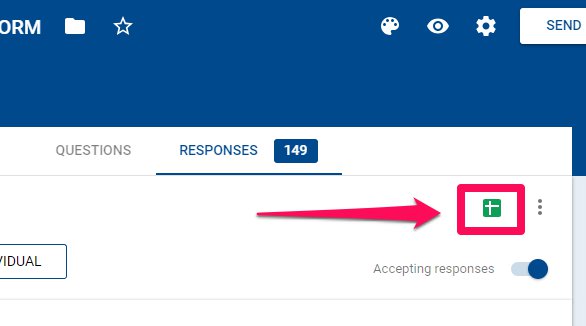
4. Click on the green spreadsheet icon:
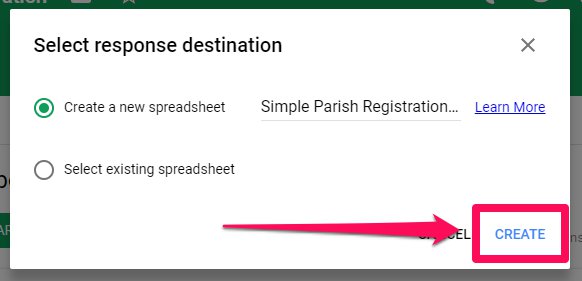
A. If a spreadsheet does not exist yet, click 'CREATE':
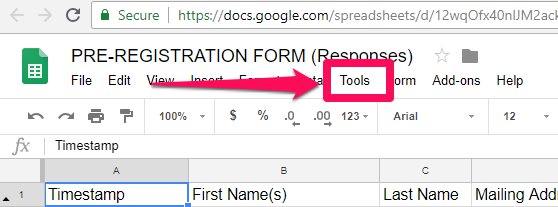
5. Click 'Tools', then select 'Notification rules...' from the drop down menu:
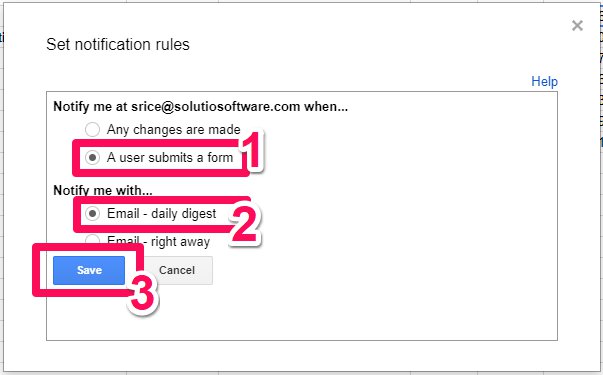
6. Select 'A user submits a form' and 'Email - daily digest'. Then click 'Save':
You are now set to receive an email notification for a day's form activity.