

Some images look like they are upright, but when uploaded to the website Image Manager, they appear sideways instead. This is an example of how an image's true orientation not being shown on your desktop. Here is how to re-orient one of these images.
1. Download/Open GIMP.
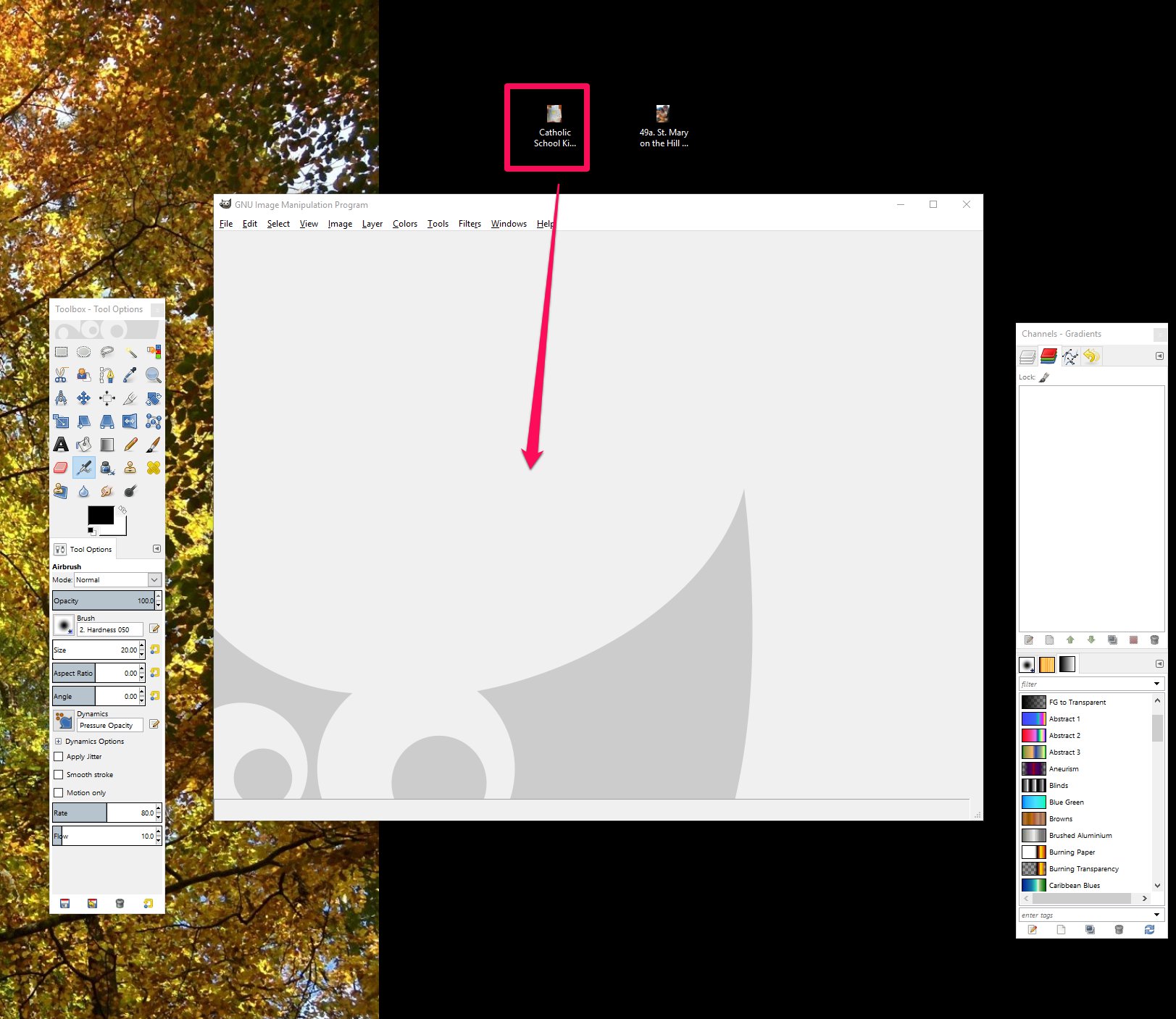
2. Drag and Drop image file into GIMP:
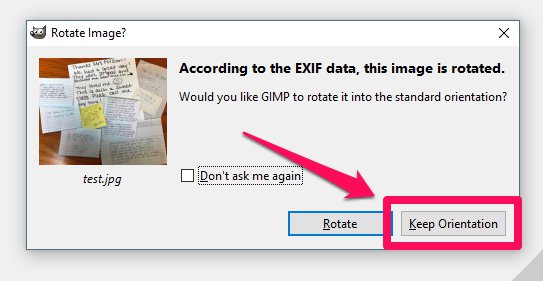
3. Click 'Keep Orientation':
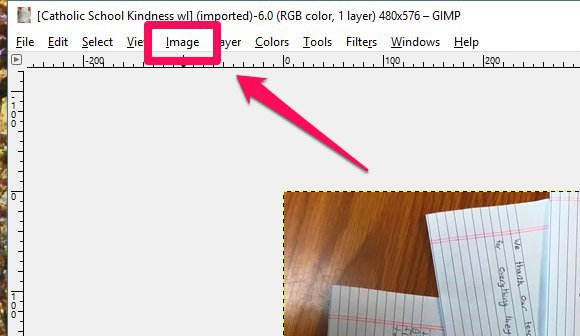
4. If the image is still not oriented correctly, click 'Image' in the toolbar, then 'Transform', then 'Rotate (clockwise, counter-clockwise, 180) until it is oriented upright:
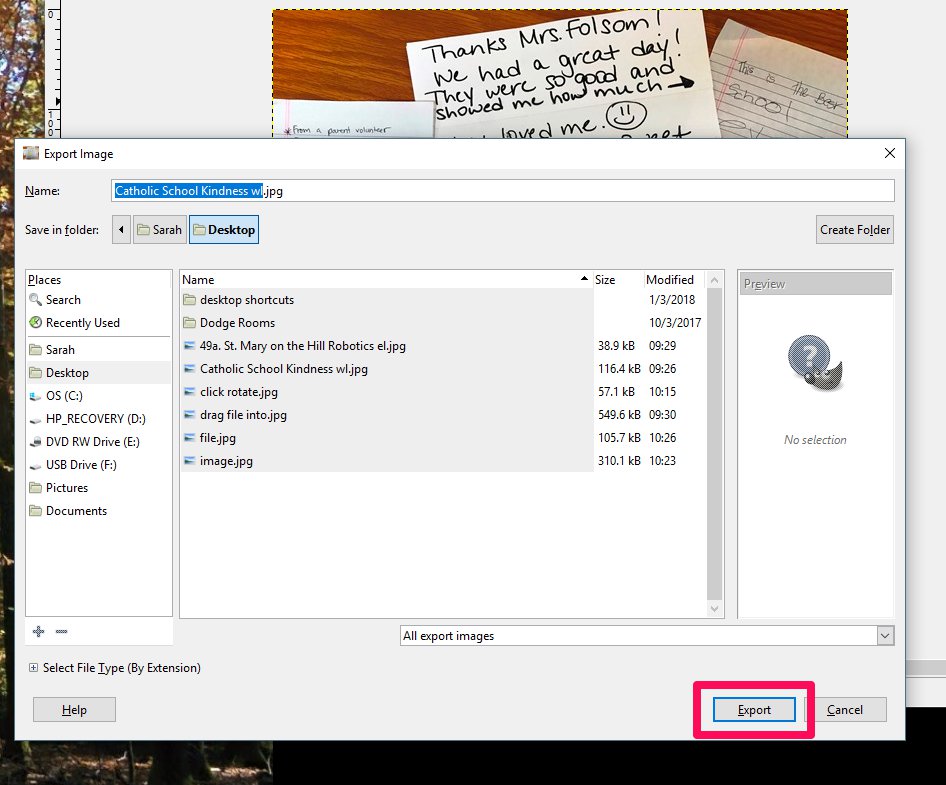
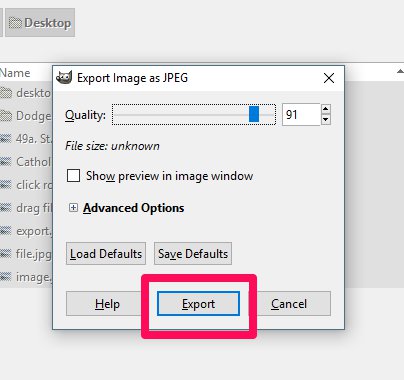
5. Click 'File', 'Export As', 'Export', 'Export'. It may need to be saved to either your desktop or to a designated folder:
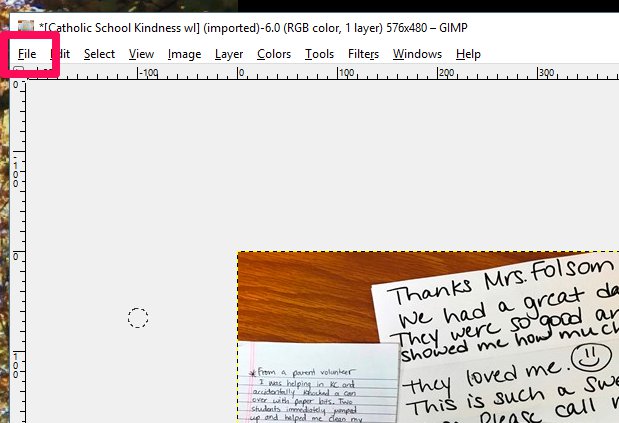
6. The file is oriented correctly and ready to upload to the site.