

https://developer.apple.com/programs/enroll
Please read through the organization requirements in the link above.
https://developer.apple.com/
Obtain the EIN # to be used for verifying nonprofit status.
Look up D-U-N-S number https://www.dnb.com/duns-number/lookup.html
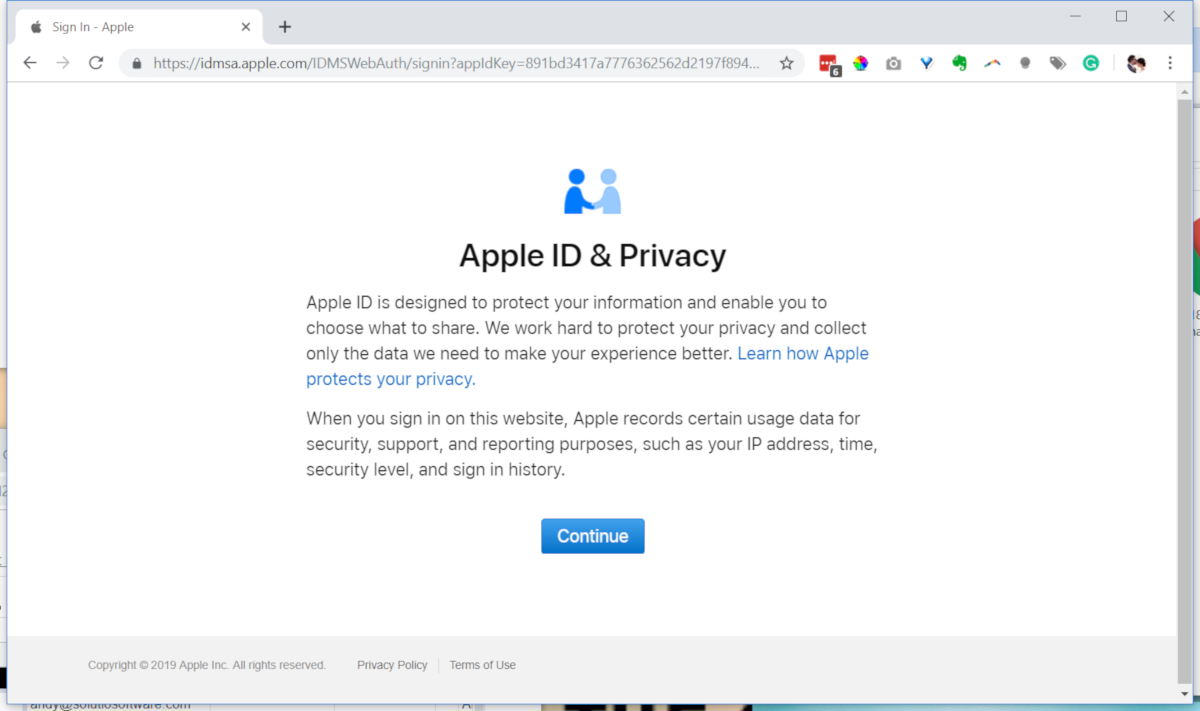
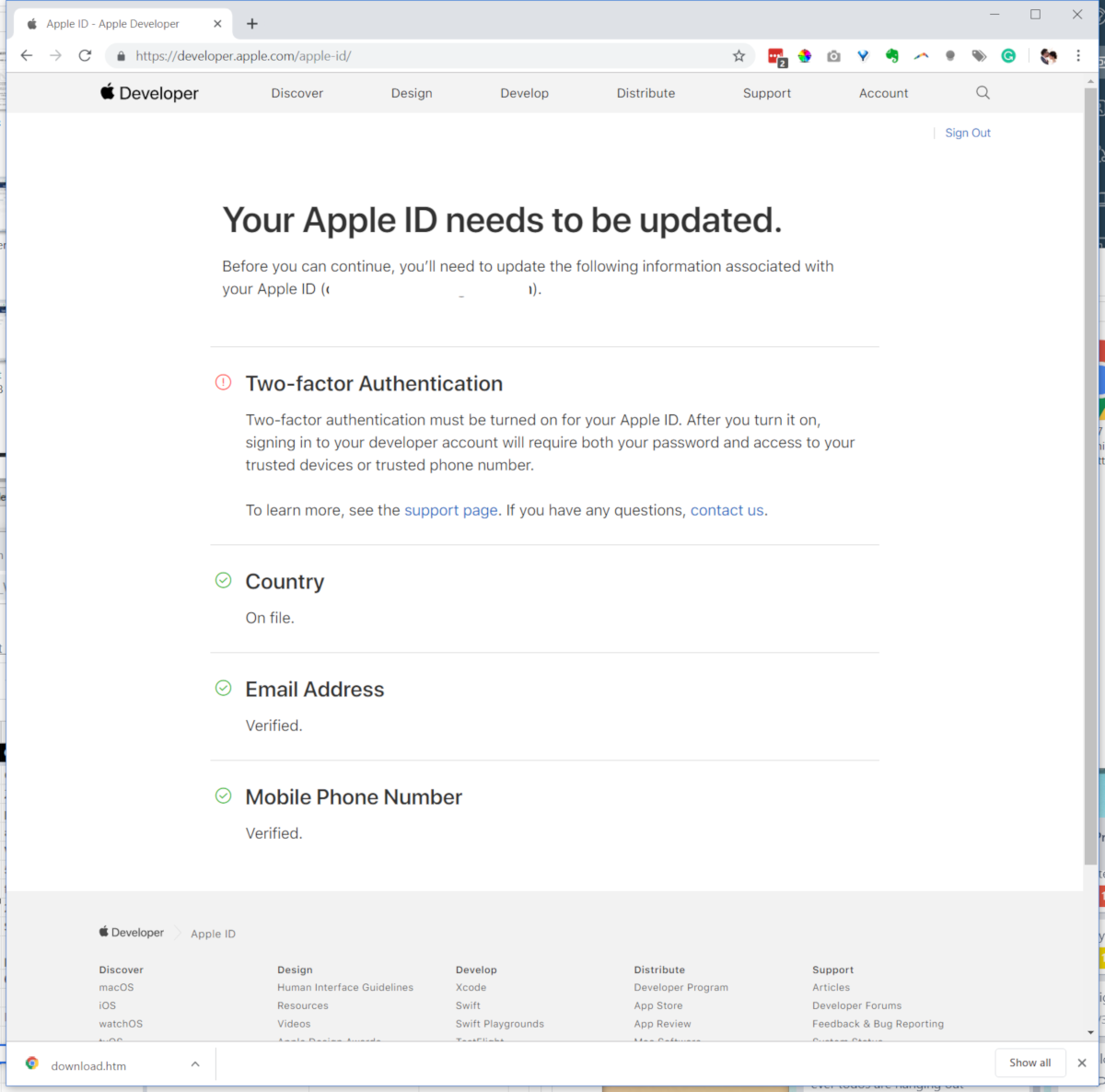
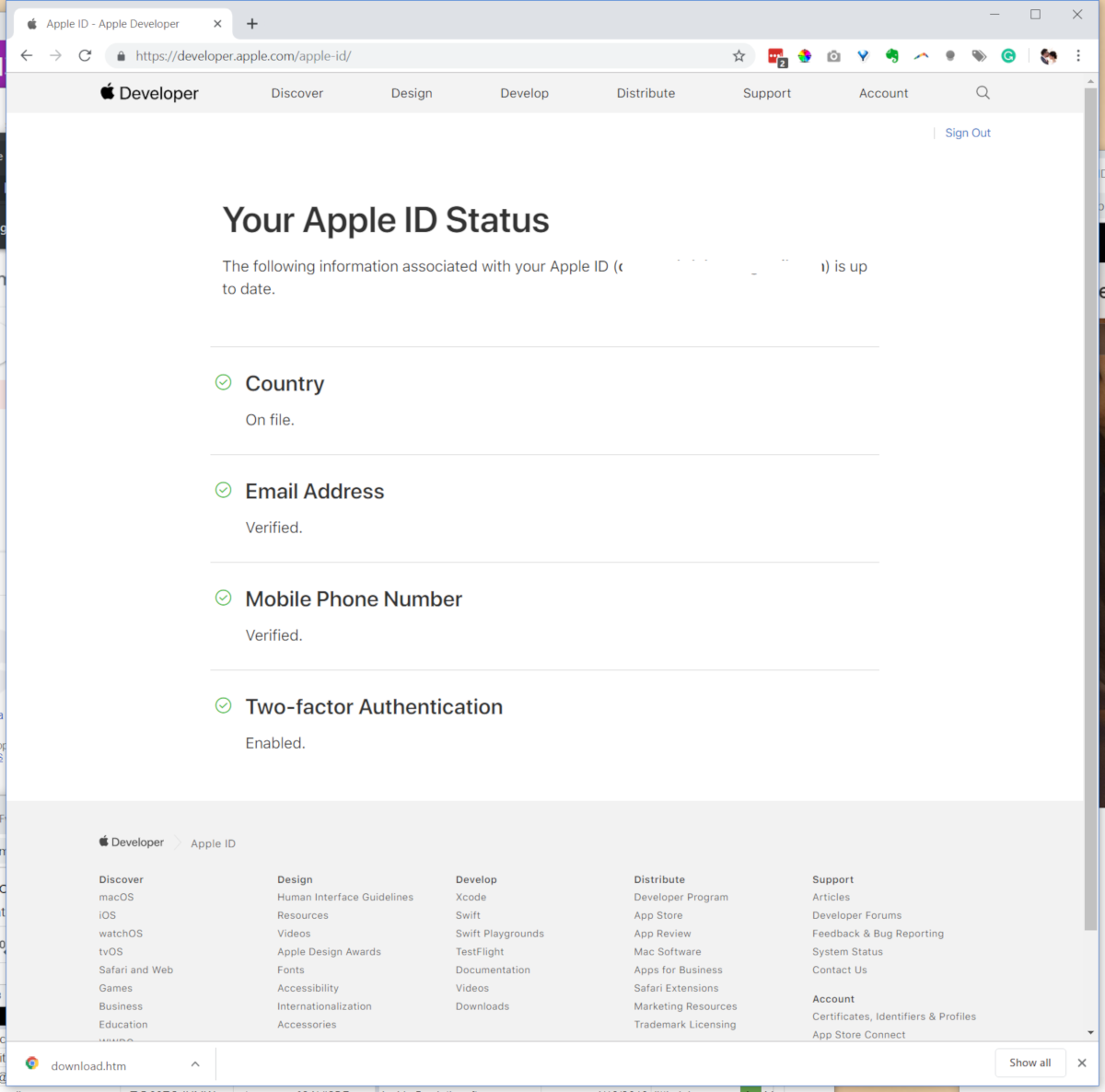
Create Apple ID (if does not exist). Enable two-factor authentication (not same as verification)
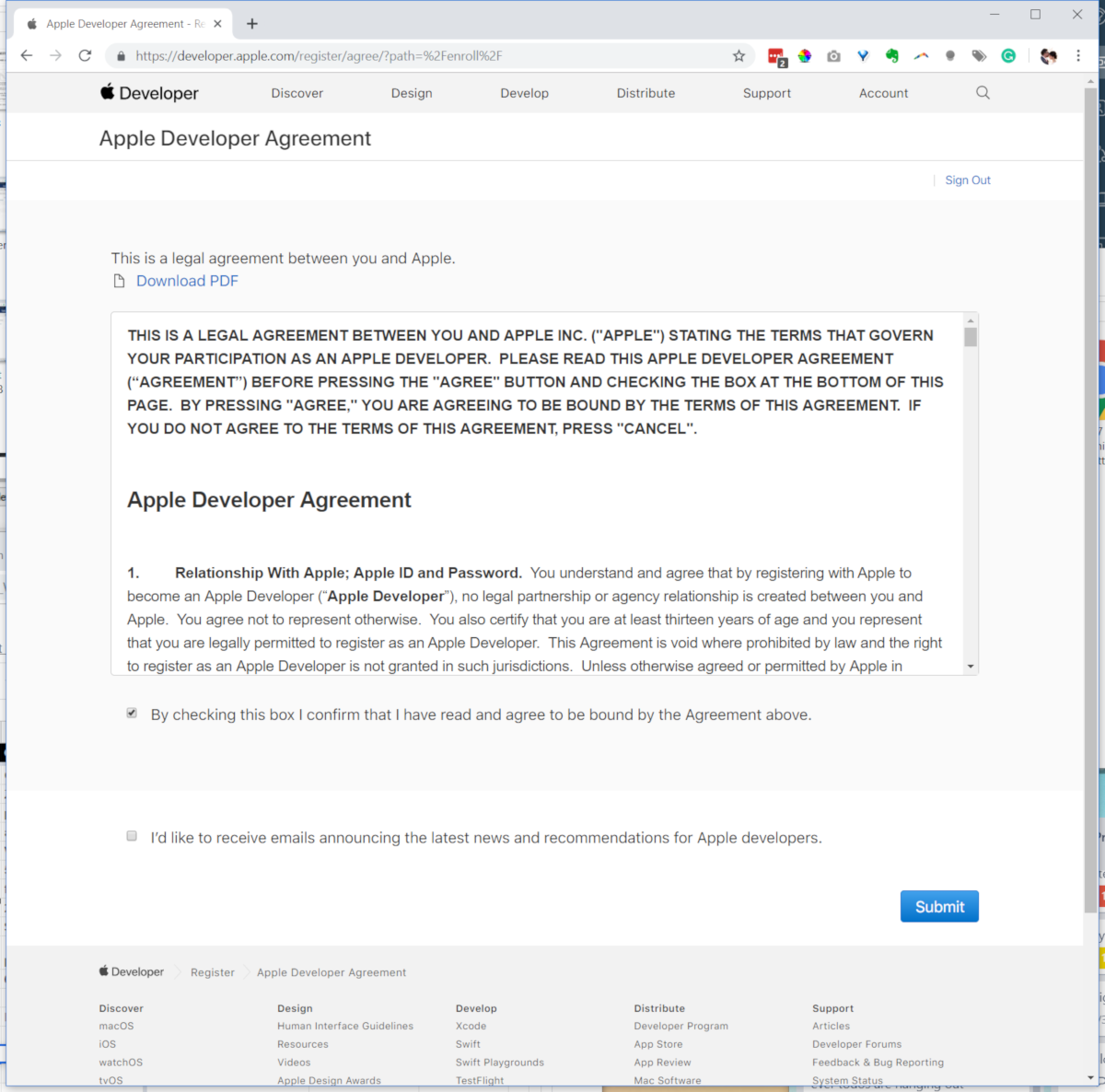
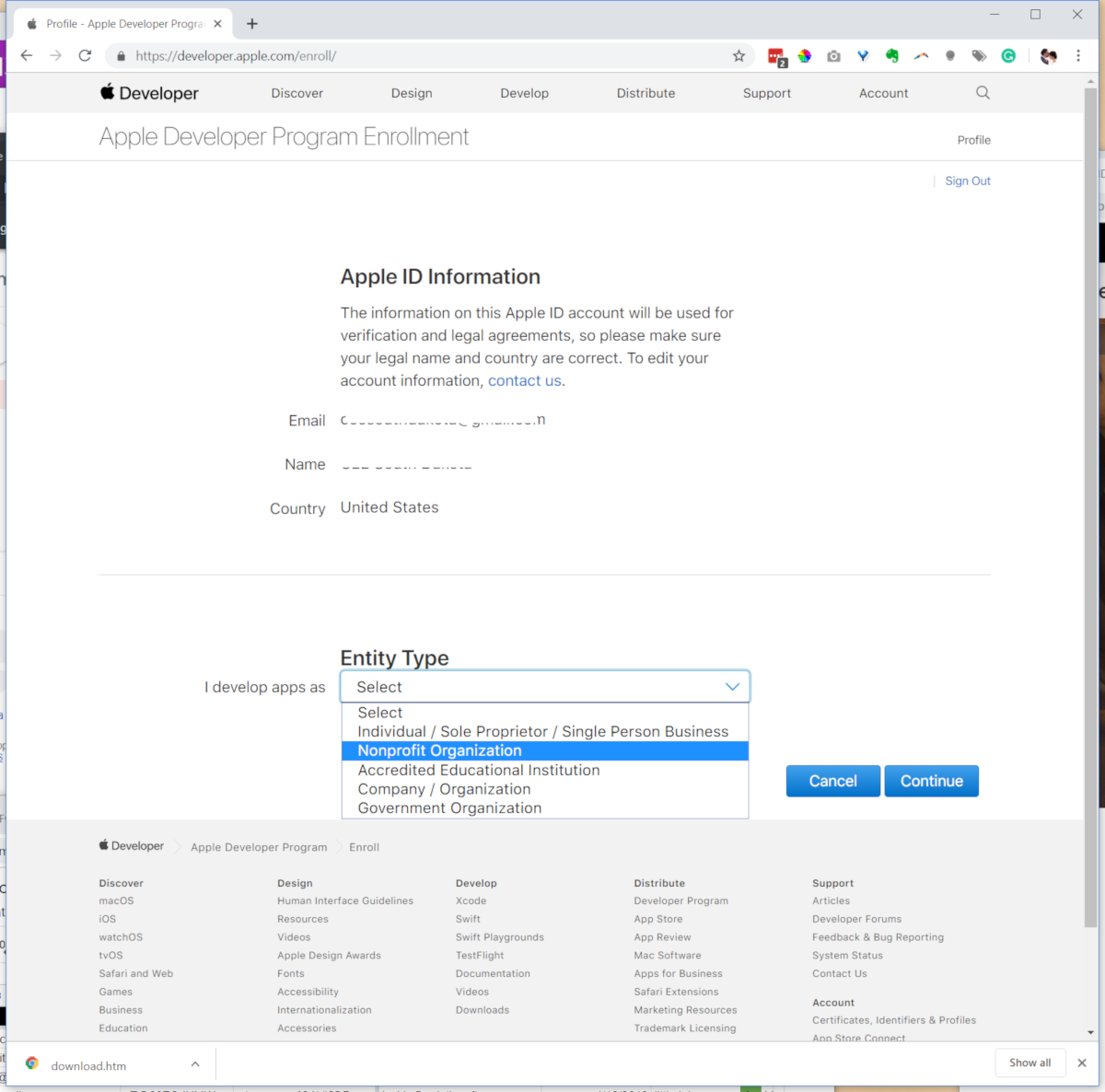
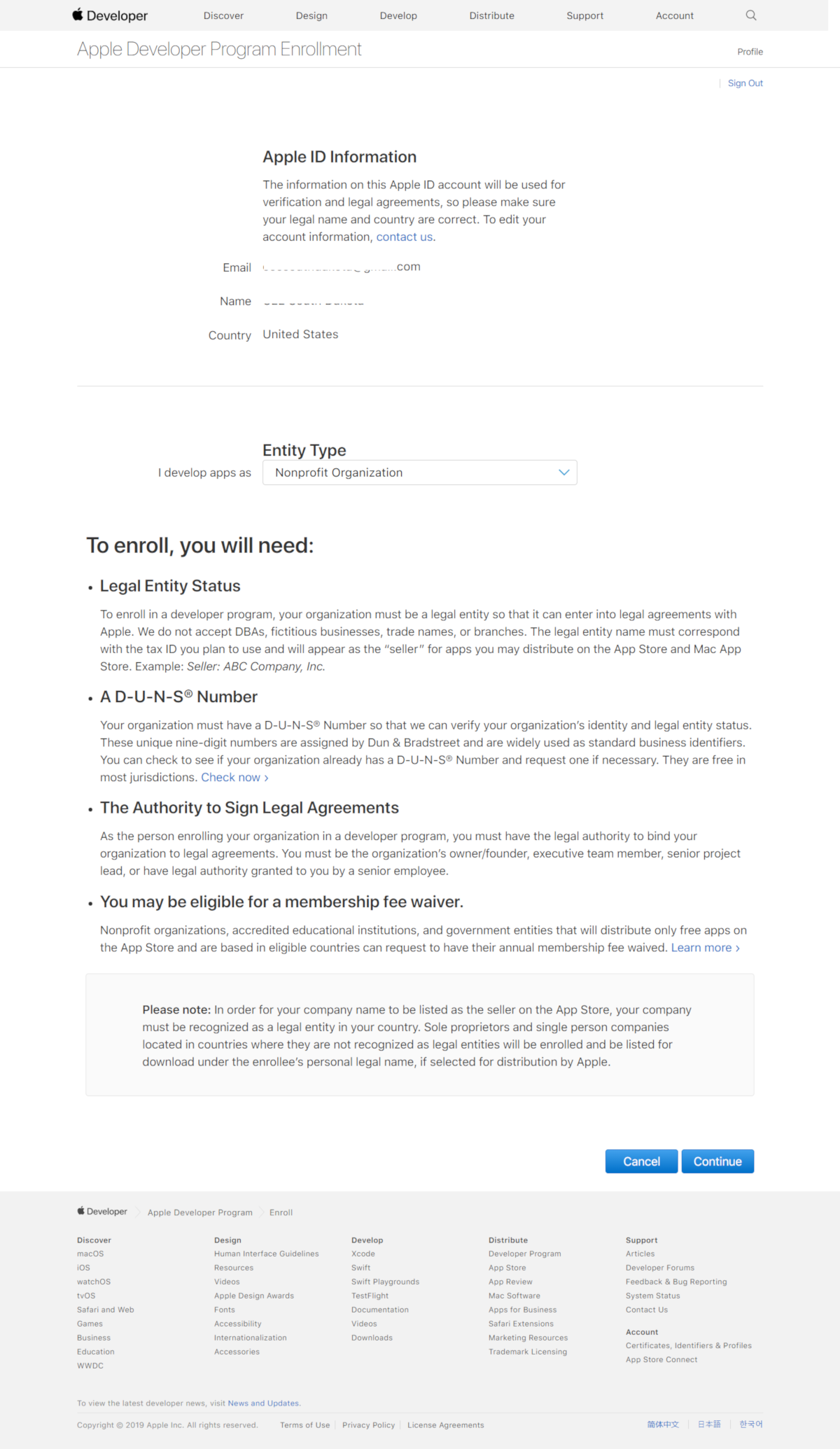
Apple App Developer Enrollment (click thumbnail to enlarge)
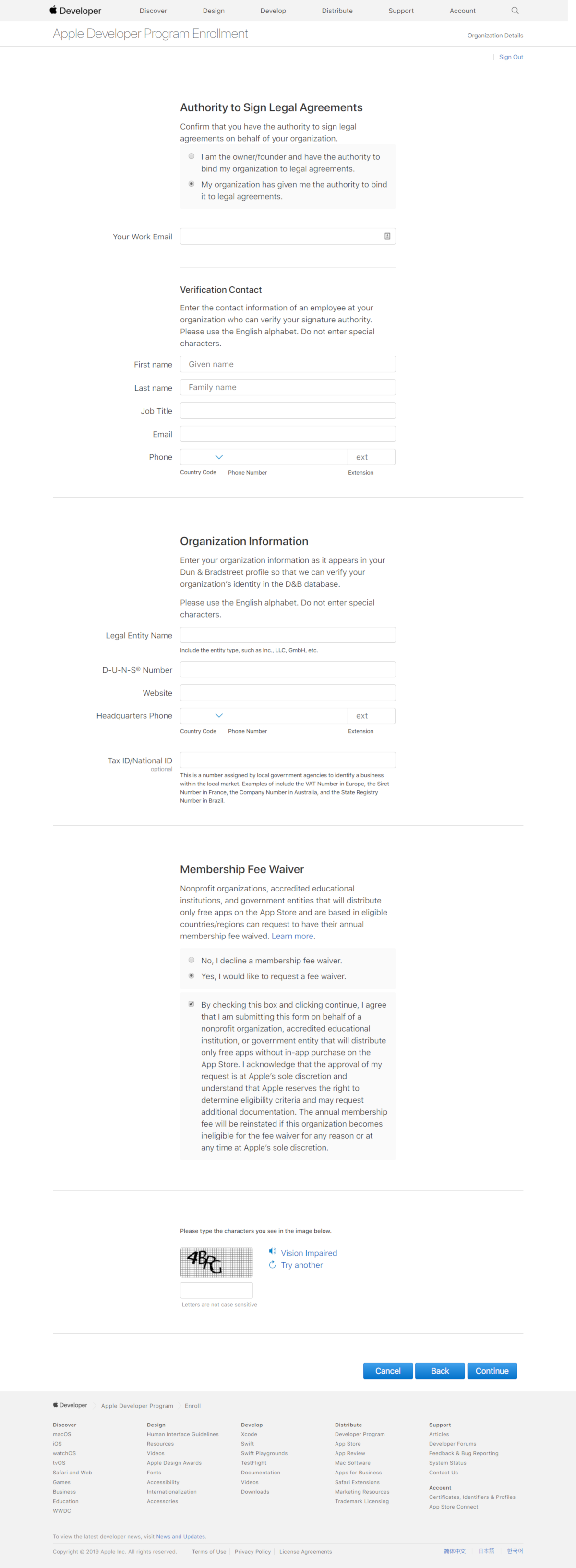
In image seven above, the Legal Entity Name must match the Business Name Dun & Bradstreet uses exactly.
Once enrolled, will notify you to review and approve contract within itunesconnect.apple.com (We request this step is completed by the organization or church, not Solutio.)
Solutio will submit the completed app to the Apple store for public download.