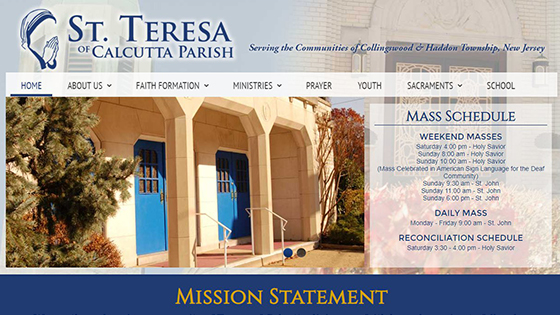
Updating the Rotator is a great way to make your site visually engaging.
First, be sure that the Image is the correct size for you rotator.

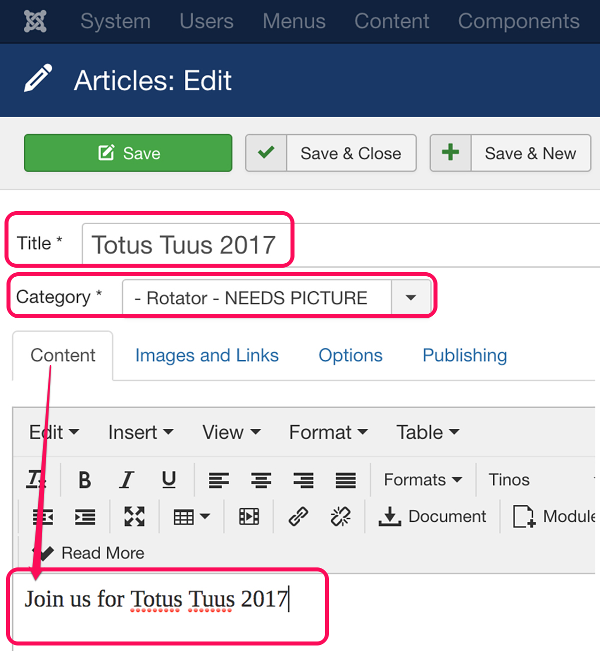
1. Create a New Article
Make sure the Title, Category ("Front Page Rotator - NEEDS IMAGE"), and Content Fields are filled in.
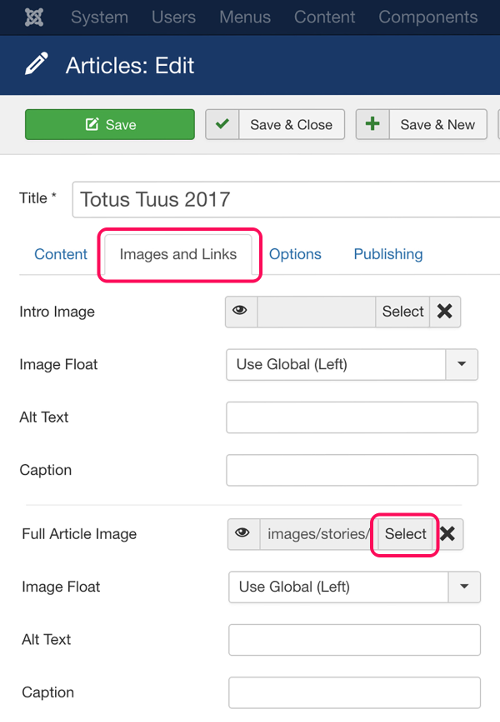
2. Click "Images and Links"
Click on the "Images and Links" tab .
3. Select Full Article Image
Click the  button and a pop-up browser will appear. Browse to the existing image, or scroll to the bottom of the pop-up and upload a new image.