


Whether you have several videos uploaded to YouTube that need added to a playlist, or if you're starting out fresh, look here for where to start.
Creating a YouTube Playlist must be done from a Channel of a YouTube account. If you have a Google Account, you already have a YouTube account.
If the YouTube account needs a Channel set up:
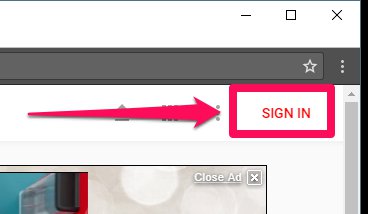
1. Go to https://www.youtube.com and Sign In:
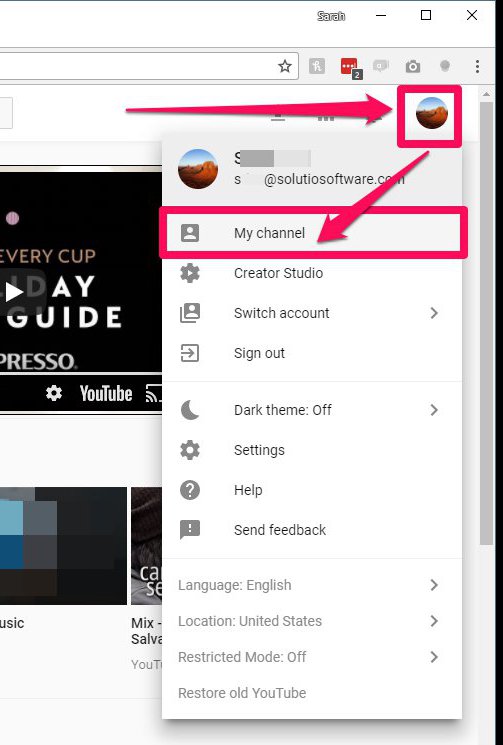
2. Click on the profile picture and click 'My Channel':
3. Click 'Create Channel':
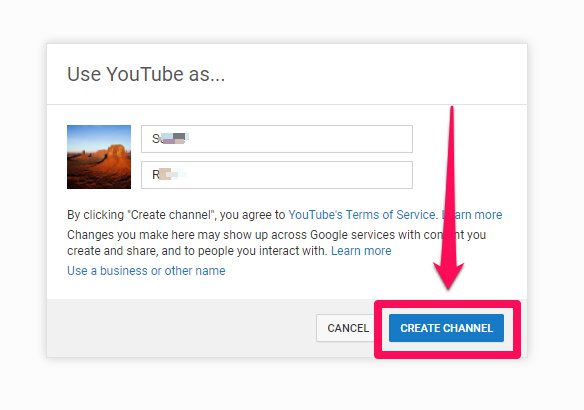
The YouTube Account now has a Channel.
To Create a Playlist in the YouTube Channel:
1. Go to Creator Studio:
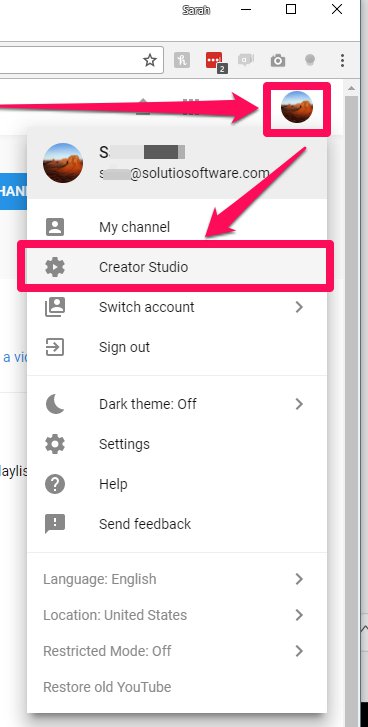
2. Create the playlist:
- Click 'VIDEO MANAGER'
- Click 'Playlists'
- Click '+New Playlist'
- Type Title
- Click 'Create'
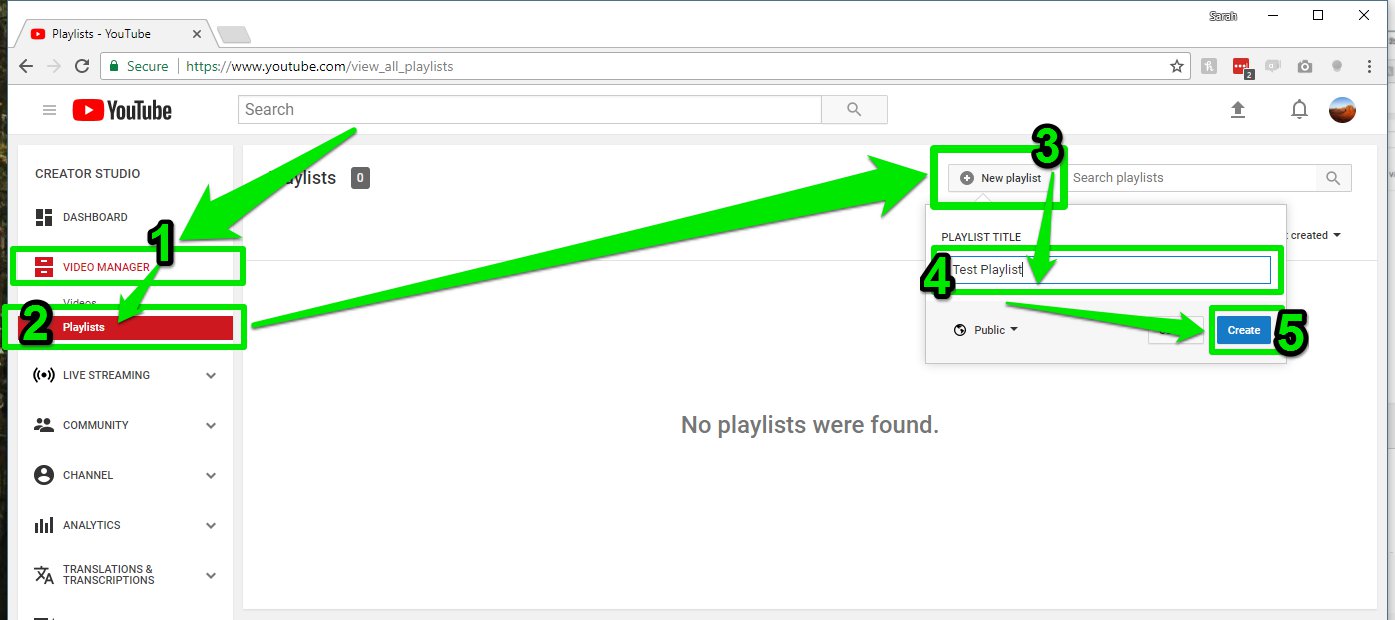
The new playlist has been created.