

Let's find your domain!
The first step is to look up your domain in the Whois database. This will tell you the registrar of your domain.
1. Follow this link to the Whois Database: https://www.whois.com/whois/
Then search for your domain
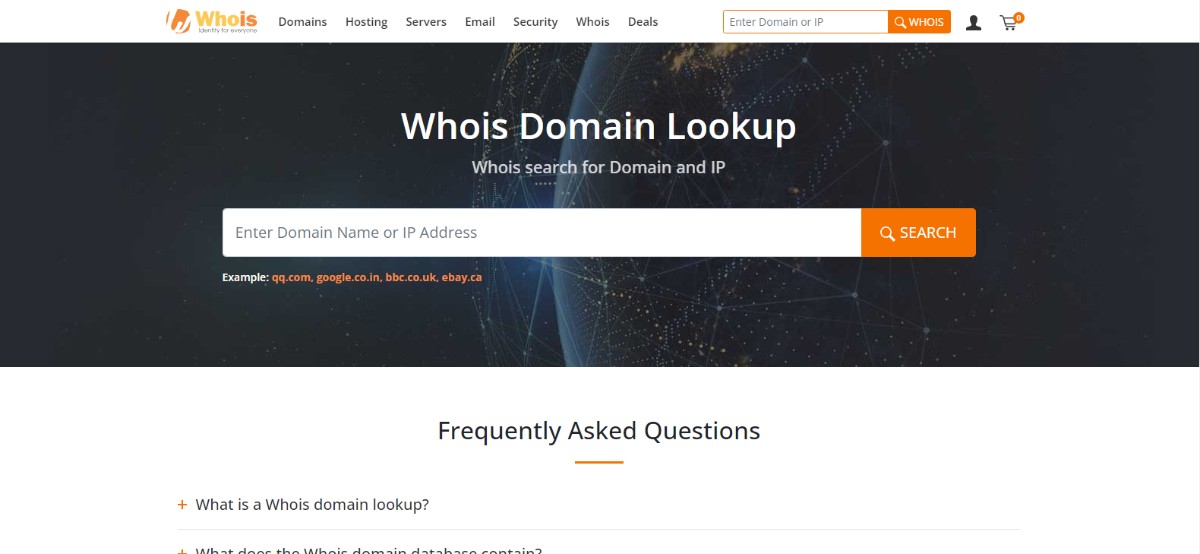
2. The search will reveal some clues about your domain name and where it's registered
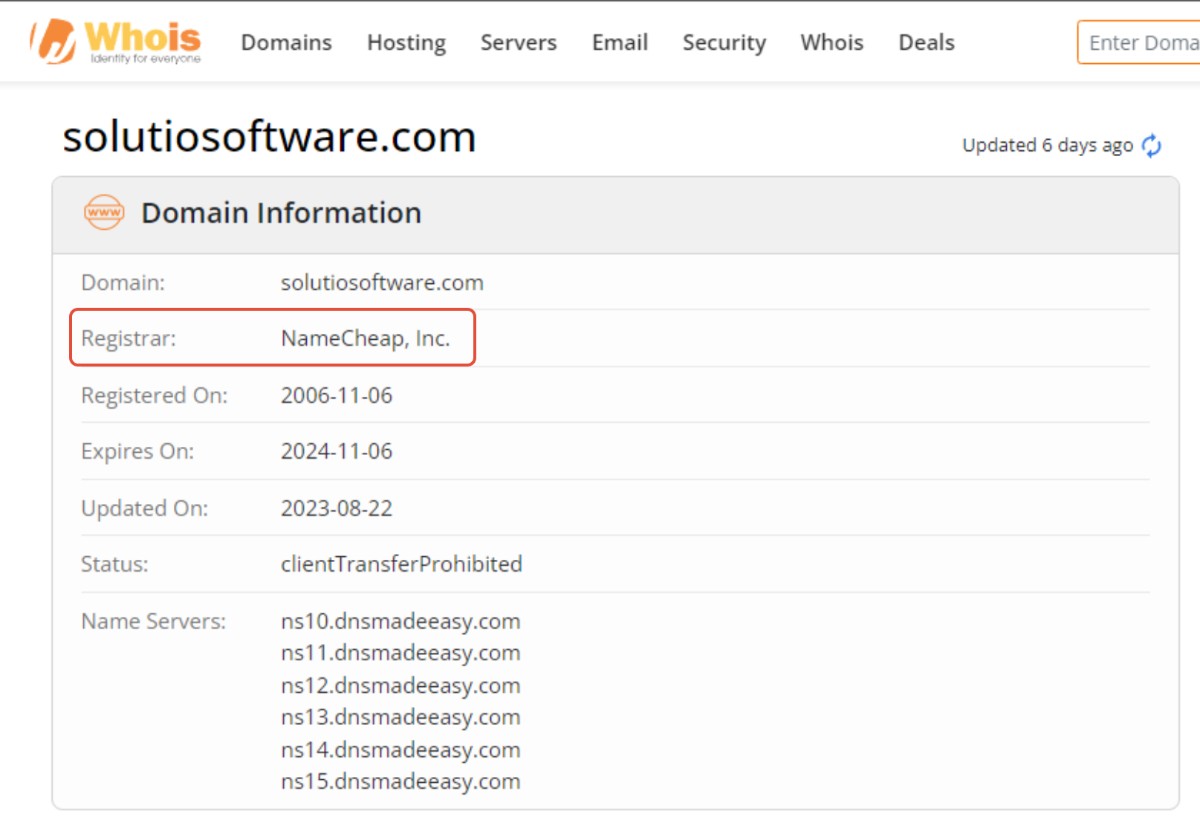
The best clue will be the registrar. Our domain is registered with NameCheap, this is where we need to log in to make DNS changes or transfer a domain to a different registrar.
Secondly, this will show when the domain expires. If you don't know where your domain is you will want to find it before the expiration date.
Lastly, the lookup tells us where the DNS records are managed. These are called nameservers. Most of the time the DNS records will be managed within the registrar.
Try and access the account
You may need to reach out to the previous website developer to find out who managed the domain.
If your domain was registered by a volunteer or employee, reach out to them and see if you can get access.
FAQ and Roadblocks
If a person who no longer works with the parish manages the domain, try to contact them. This may be the person who originally set up the website or the individual you worked with to build your website. Usually, they can provide the login information or direct you to another person who may have the information.
If it is impossible to contact the previous manager you can legally apply with your domain registrar to have the primary contact or owner changed. You will need to verify that you are the legitimate owner with documentation. This can be a lengthy process and take months to resolve. Once the primary contact is changed the domain is automatically locked from transfer for 60 days.
If you need help This email address is being protected from spambots. You need JavaScript enabled to view it..
If your domain is managed by a third party you can either have them transfer your domain to our registrar or have them make the DNS changes.
If they also were the developers of your current/previous website and you will no longer require their services I recommend transferring your domain to our registrar.
If you previously had access to the login information and simply forgot you can try clicking the "forgot username or password?" prompt on your registrar's website or reach out to their support team to track down your login credentials.
Occasionaly a registrar will be the parent company of multiple smaller companies. For example wild west domains might be the registrar but the domain is managed through the BlueHost platform. If you don't recognize the registrar in the whois database or you registered your domain with a different company than what is shown, try and log in to that platform. The domain will be managed through the child company, not the parent.