To change the width of a dropdown menu:
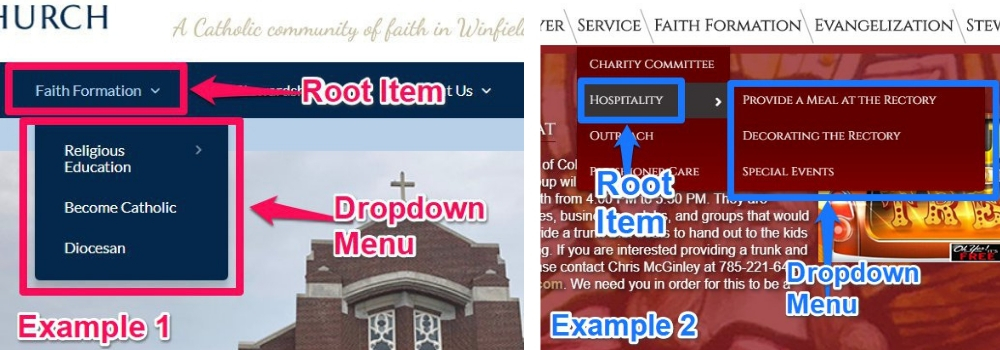
1. Identify the Root Menu item of the Dropdown menu:
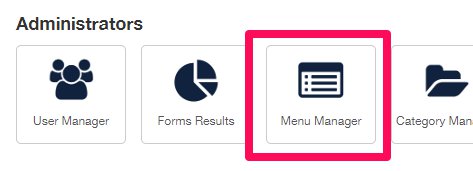
2. Login to the Administrator and select 'Menu Manager' in the 'Administrators' area:
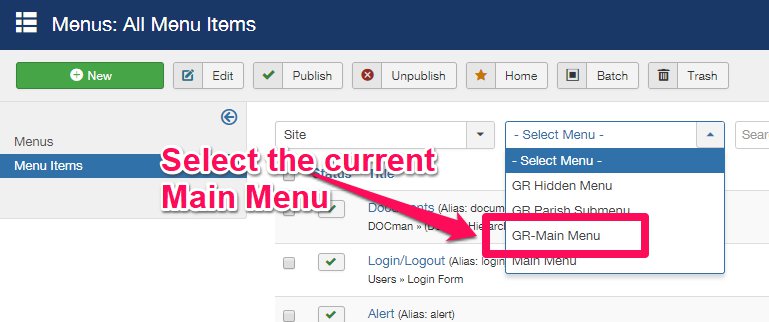
3. Select the current Main Menu. Tip: if unsure of which menu set, compare each option with the Main Menu on the homepage, as it will reflect what is visible to the public:
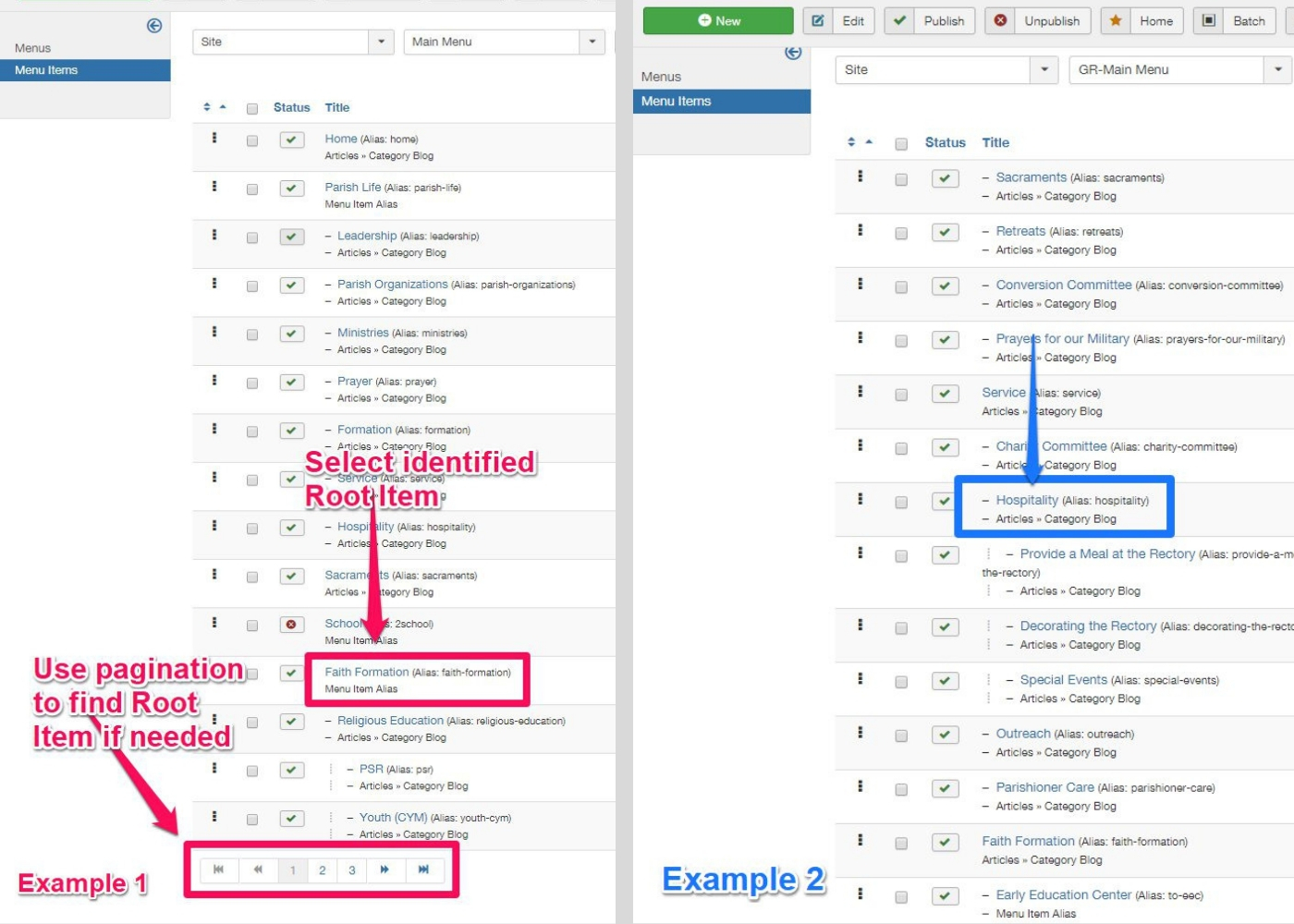
4. Select the Root Item identified earlier (step 1):
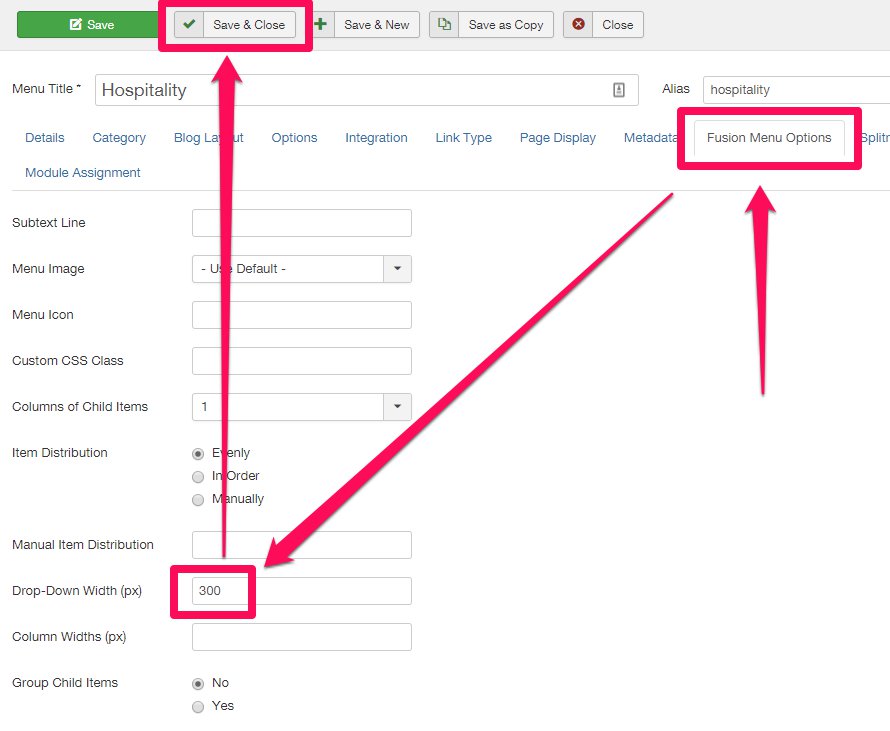
5. Select the 'Fusion Menu Options' tab.
6. Enter a quantity for the Drop-Down Width (px) field.
7. Click 'Save & Close' and refresh the webpage to check your work.