To Start a New Dropdown Menu:
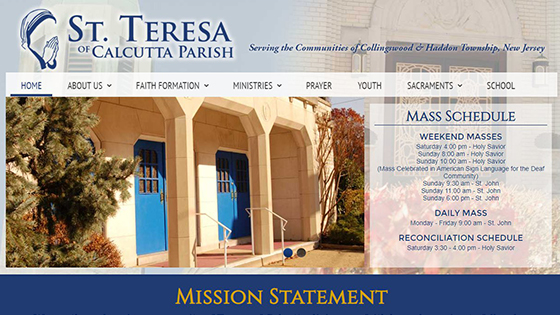
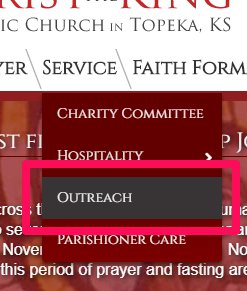
1. Identify the Menu Item that needs a new Dropdown Menu:
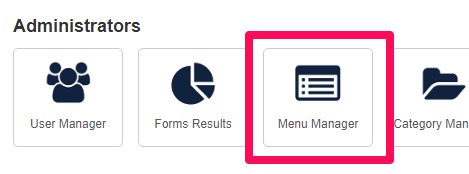
2. From the Control Panel of the Administrator, select the Menu Manager button:
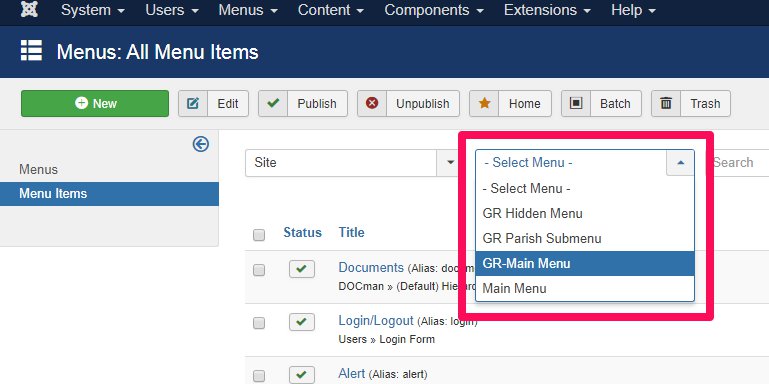
3. Select the Site's Main Menu:
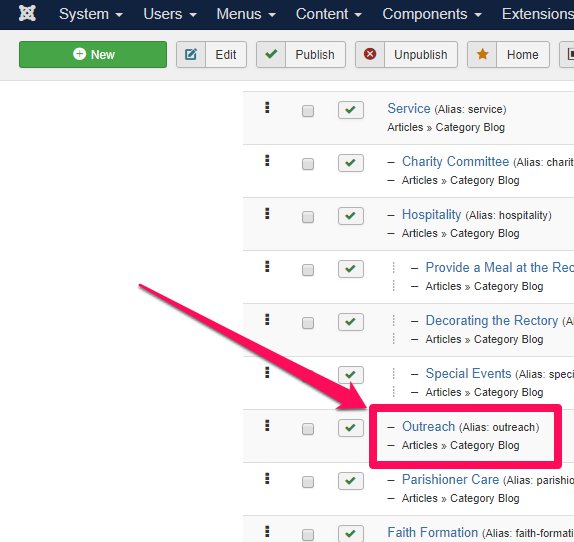
4. Select the Menu Item that was identified earlier as needing a new Dropdown Menu:
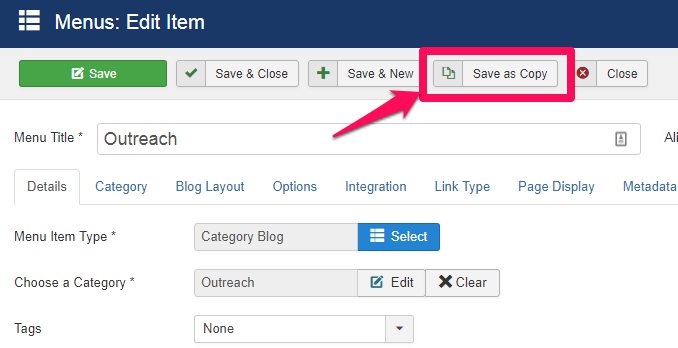
5. Select 'Save as Copy':
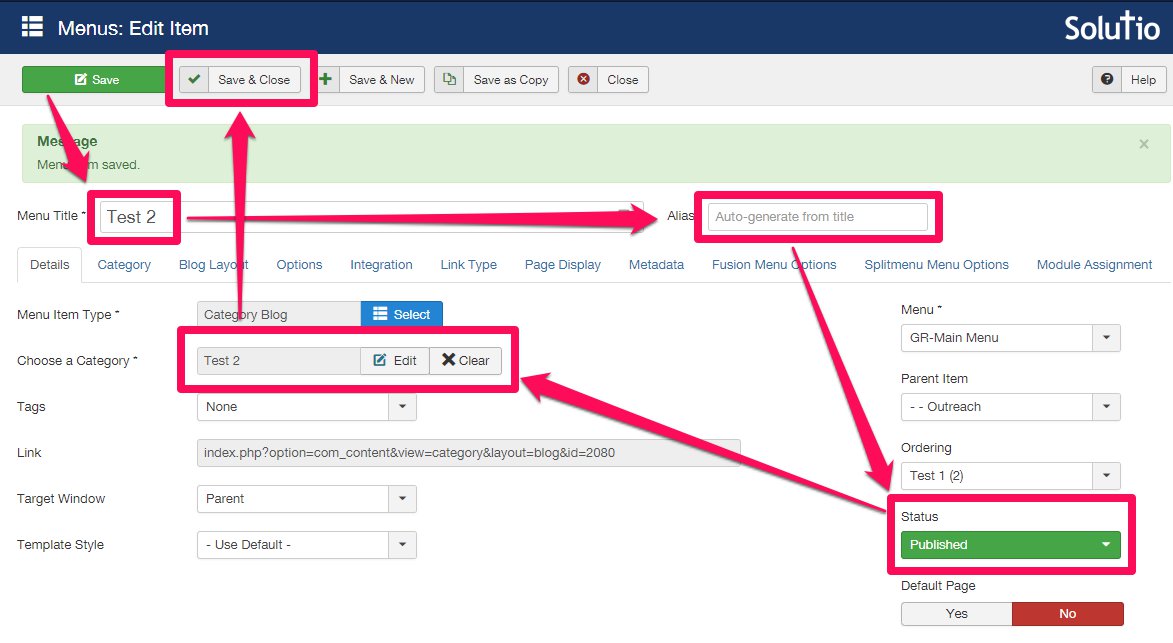
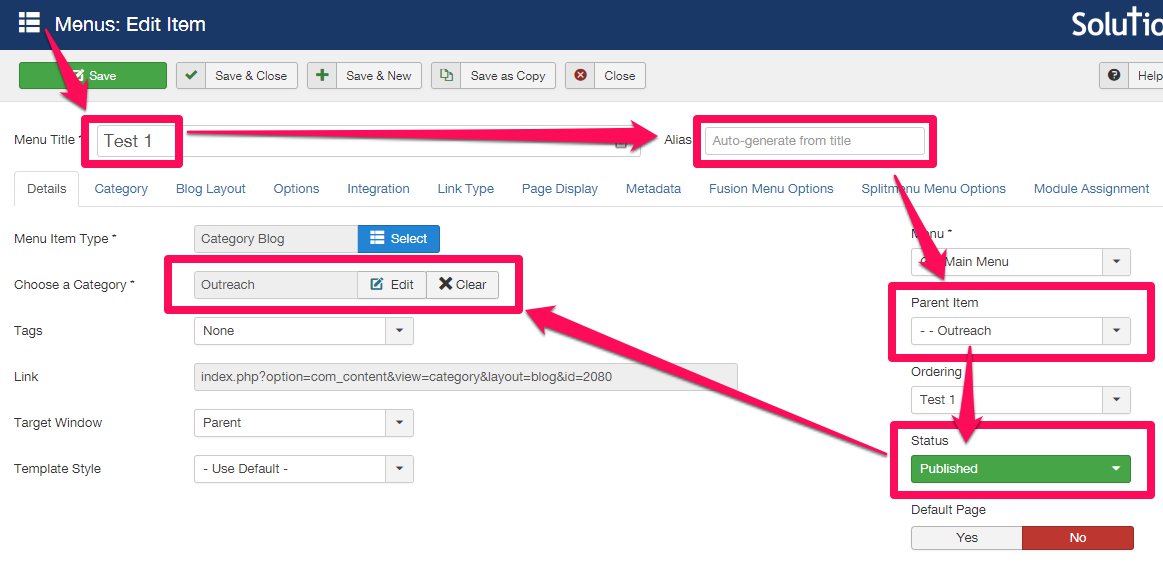
6. Make New Menu Item edits:
- Change the Menu Item Title to new title
- Clear the alias field
- Change Parent Menu Item to the Menu Item identified as needing a Dropdown Menu
- Switch from 'Unpublished' to 'Published'
- Clear old Category and Create new Category
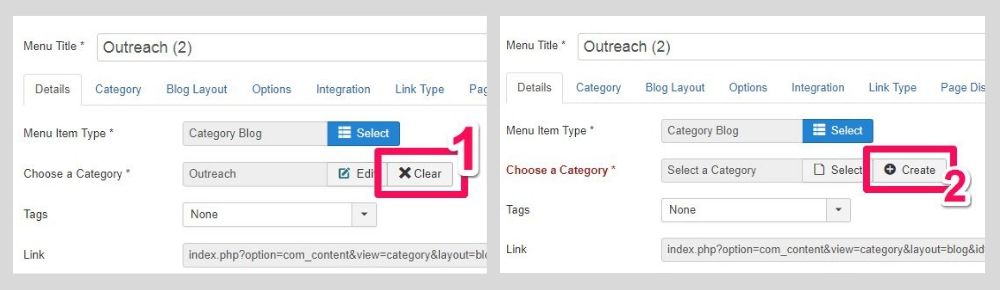
7. To Clear old Category and Create new Category:
- Click 'Clear', then 'Create'.
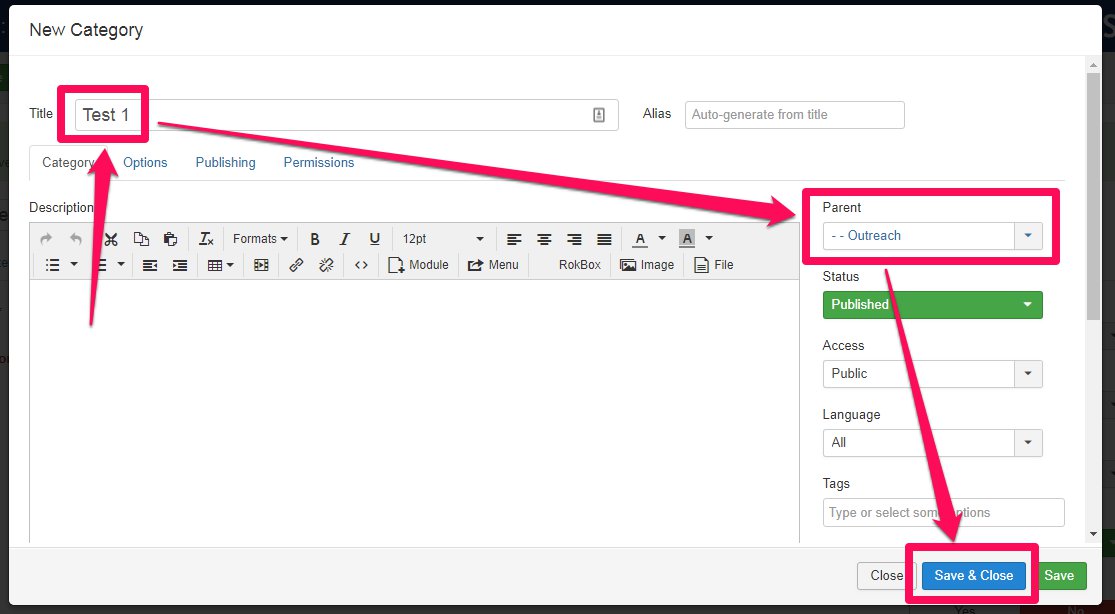
- Title the Category the same as the new Menu Item, then change its Parent Category to be the original Category (usually titled the same as the Menu Item identified as needing a Dropdown Menu).
- Click 'Save & Close'.
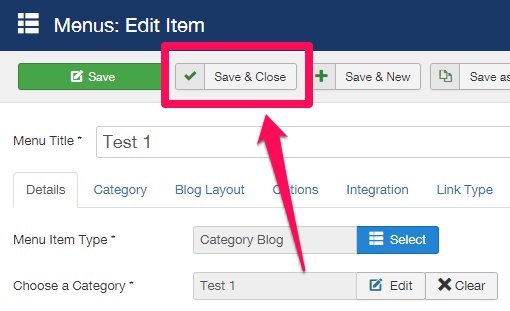
8. Click 'Save & Close' for the Menu Item and refresh the webpage to check your work.
Creating Additional Menu Items in the New Dropdown Menu:
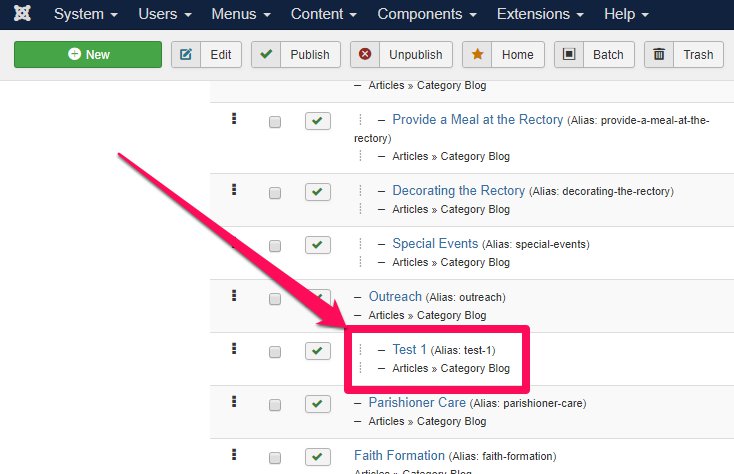
1. From the Main Menu in the Menu Manager, select the Dropdown Menu item:
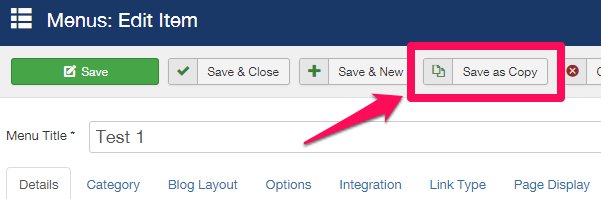
2. Click 'Save as Copy':
3. Make New Menu Item edits:
- Change the Menu Item Title to new title
- Clear the alias field
- Switch from 'Unpublished' to 'Published'
- Clear old Category and Create new Category
4. Click 'Save & Close' and refresh the webpage to check your work: